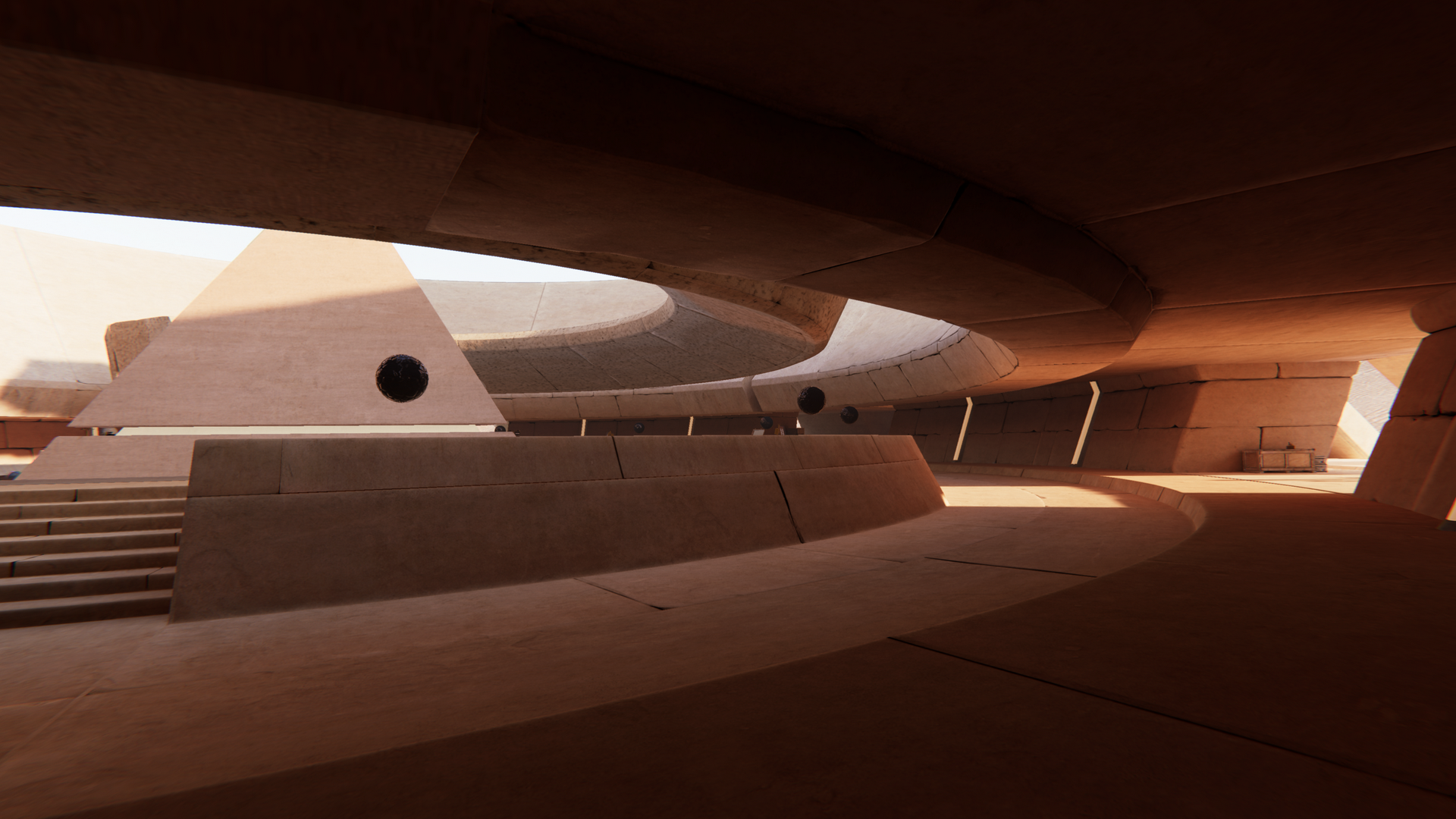
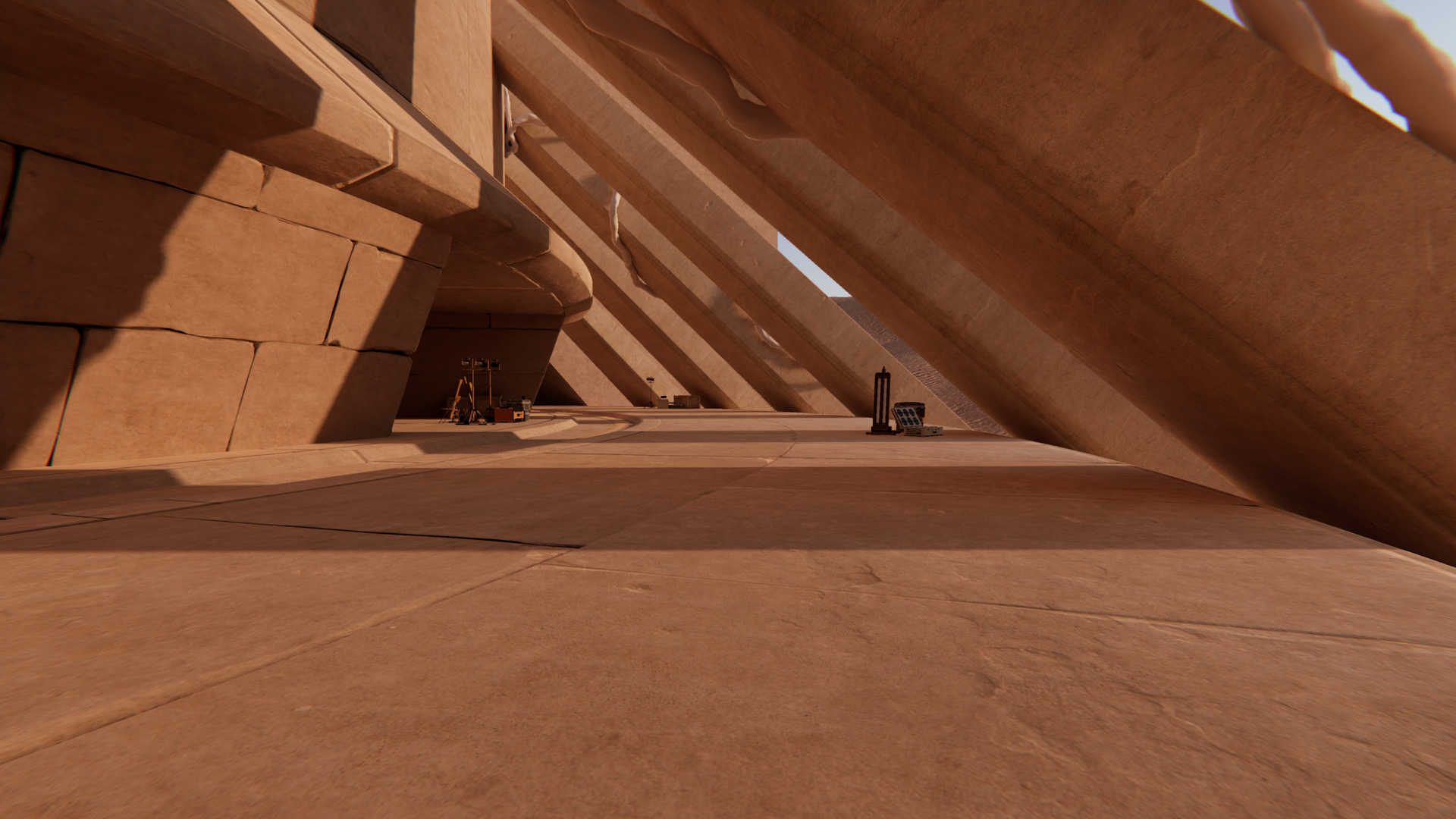
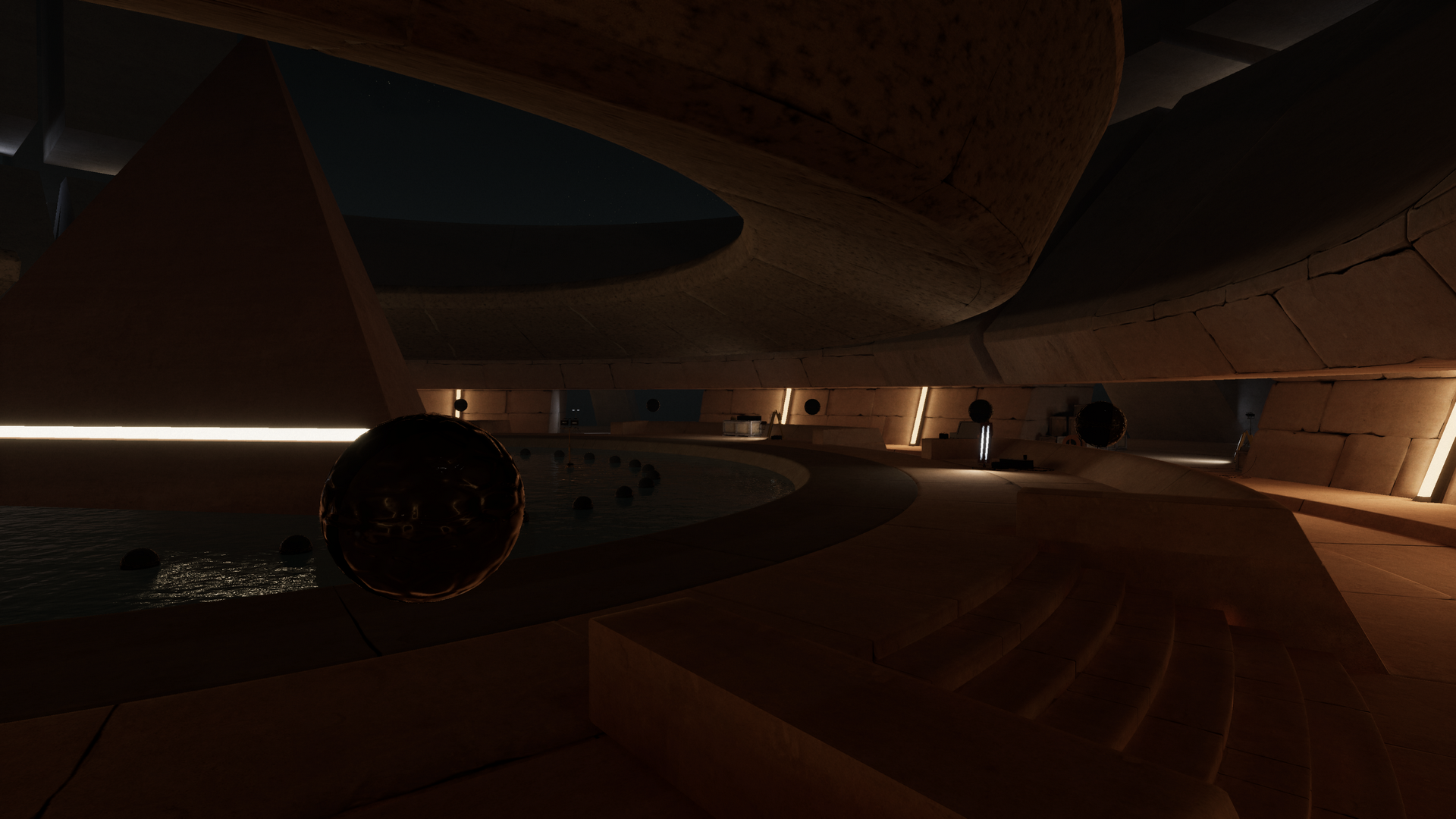
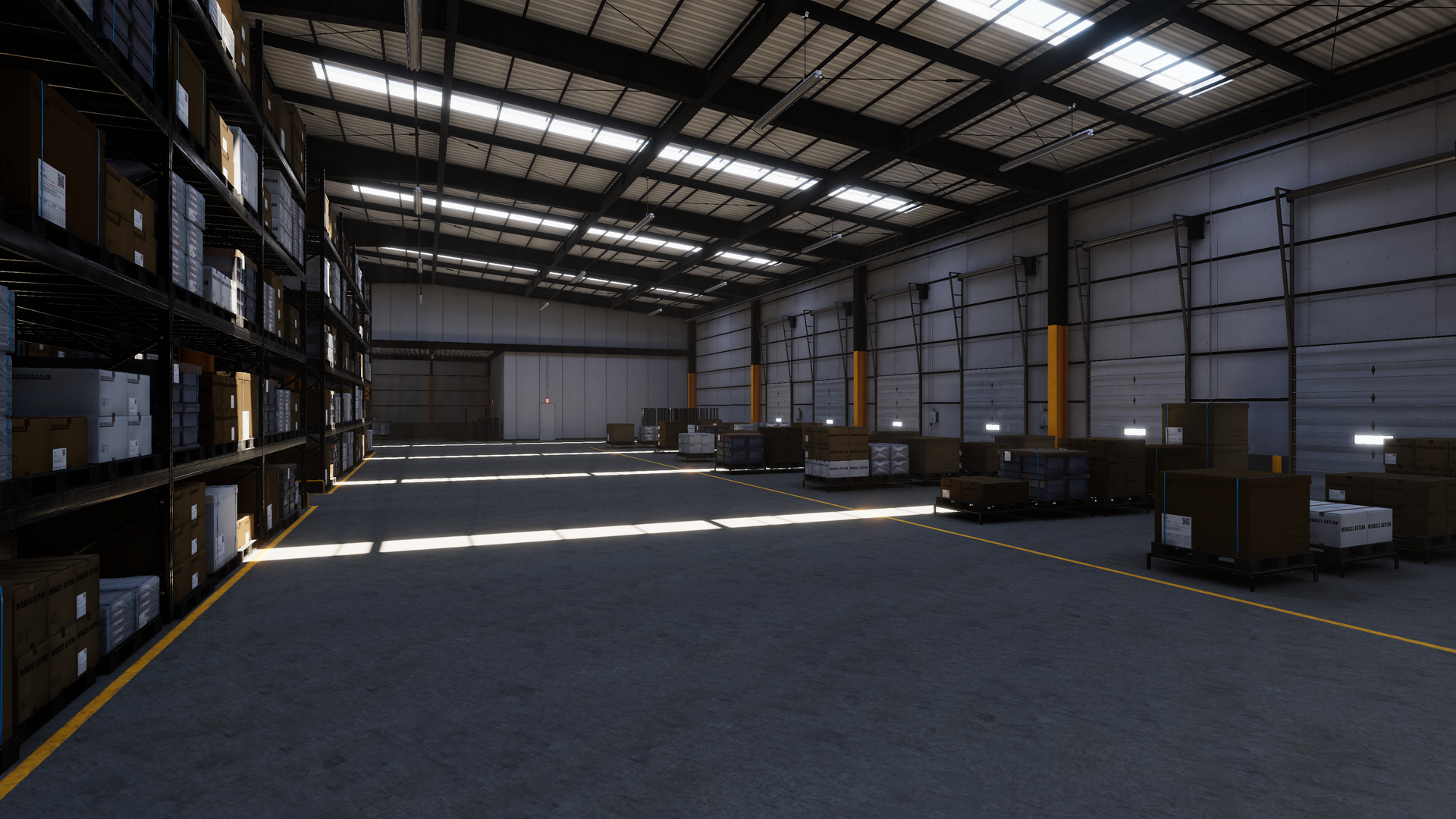
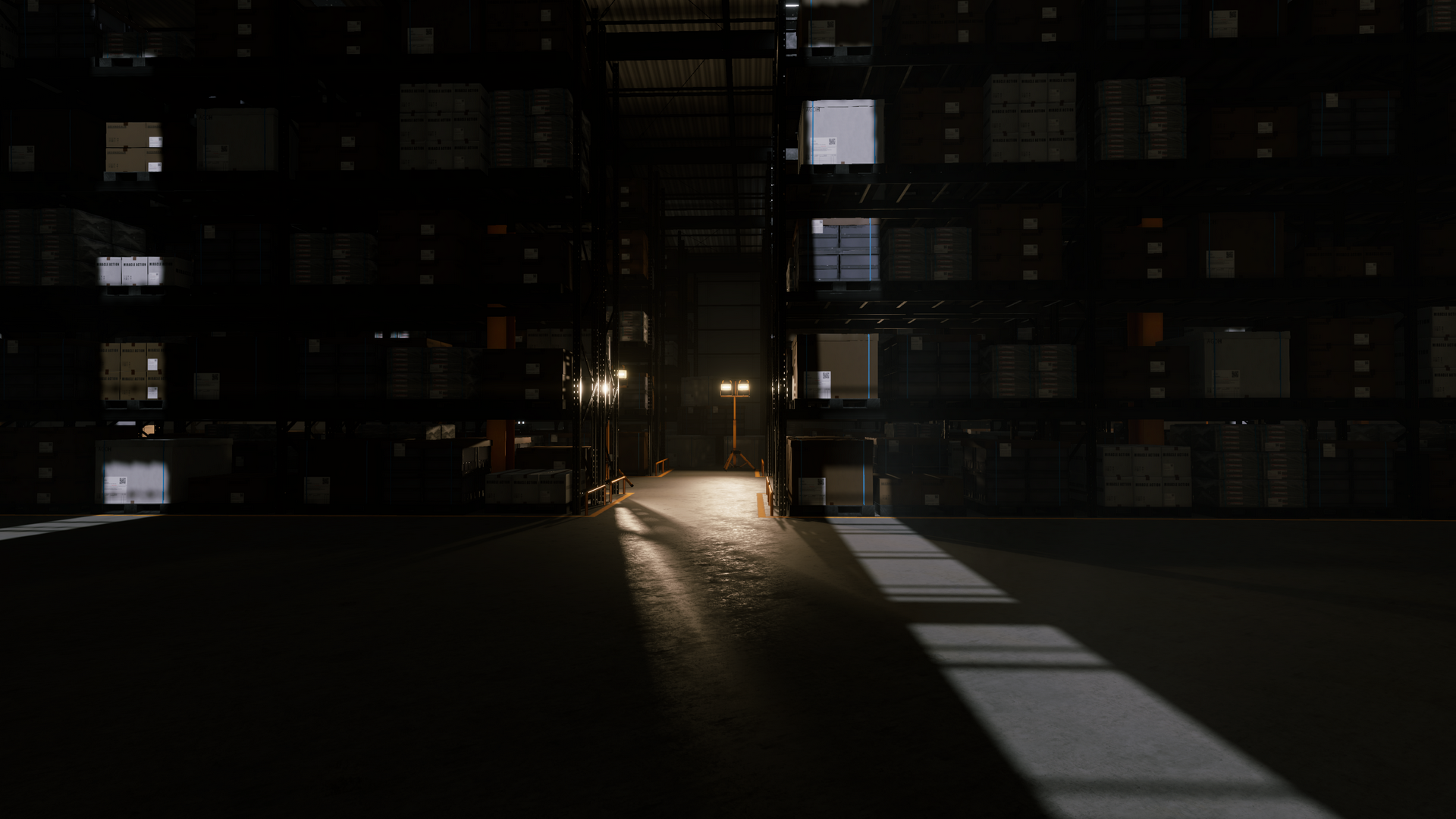
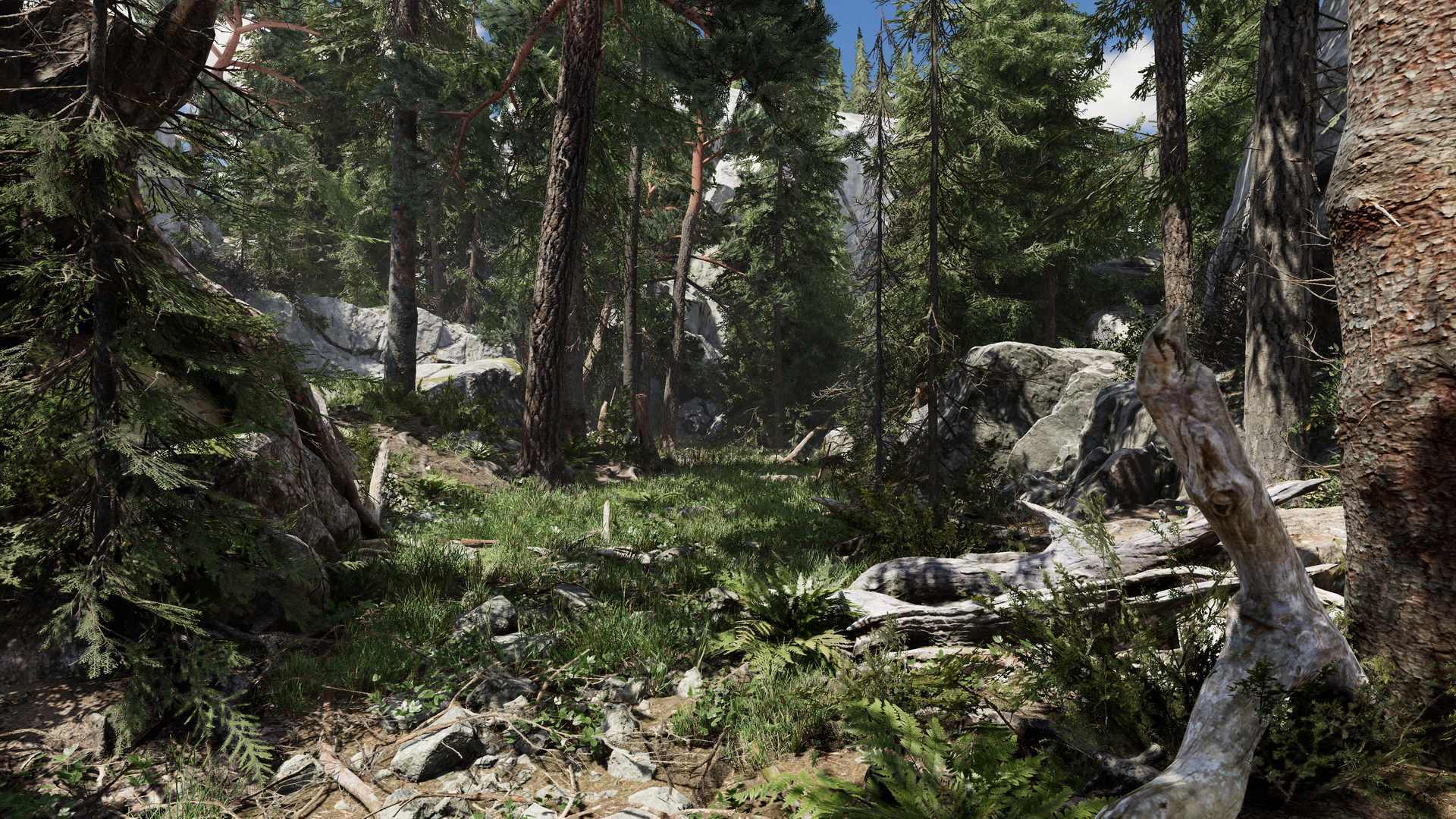
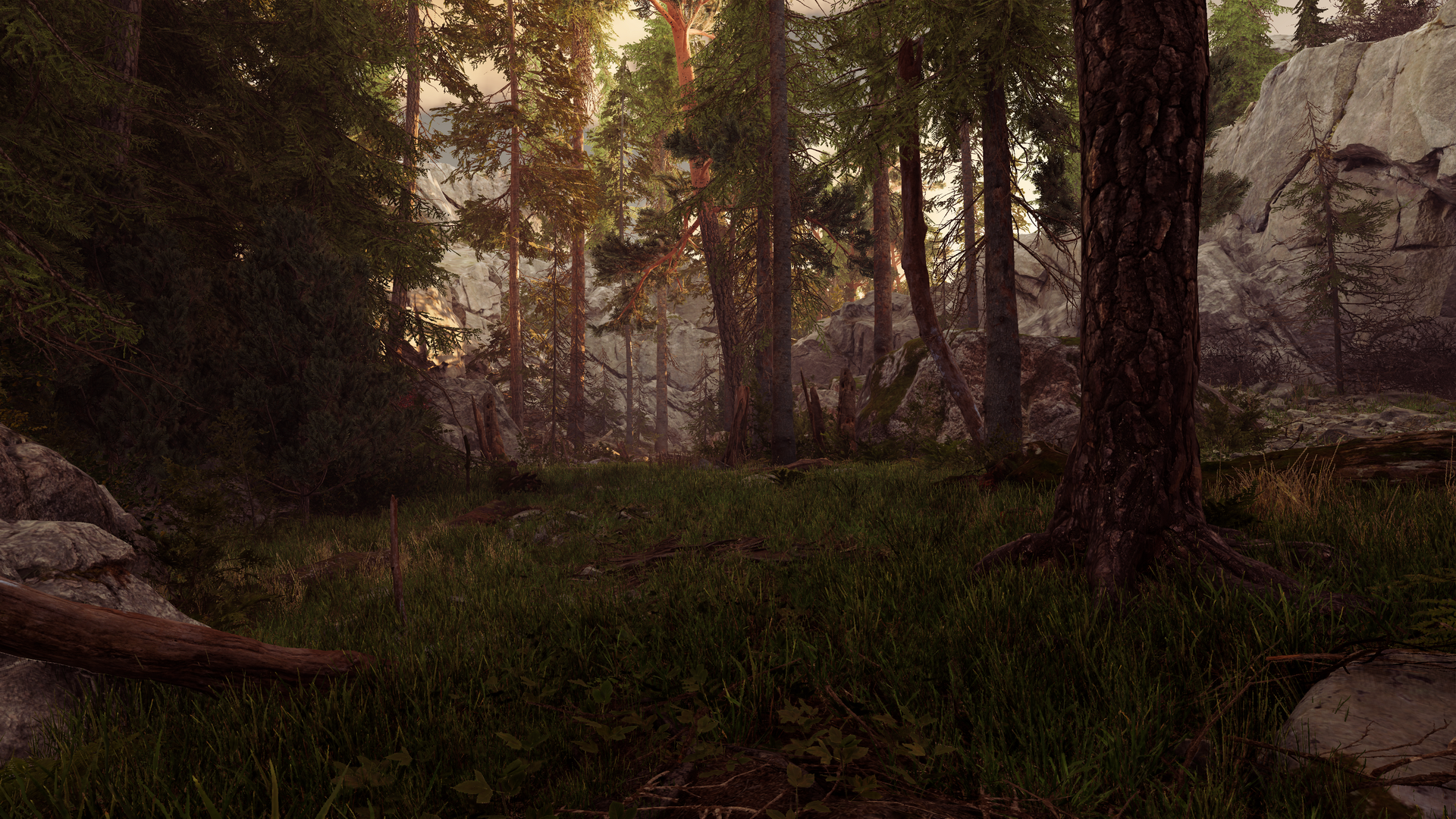
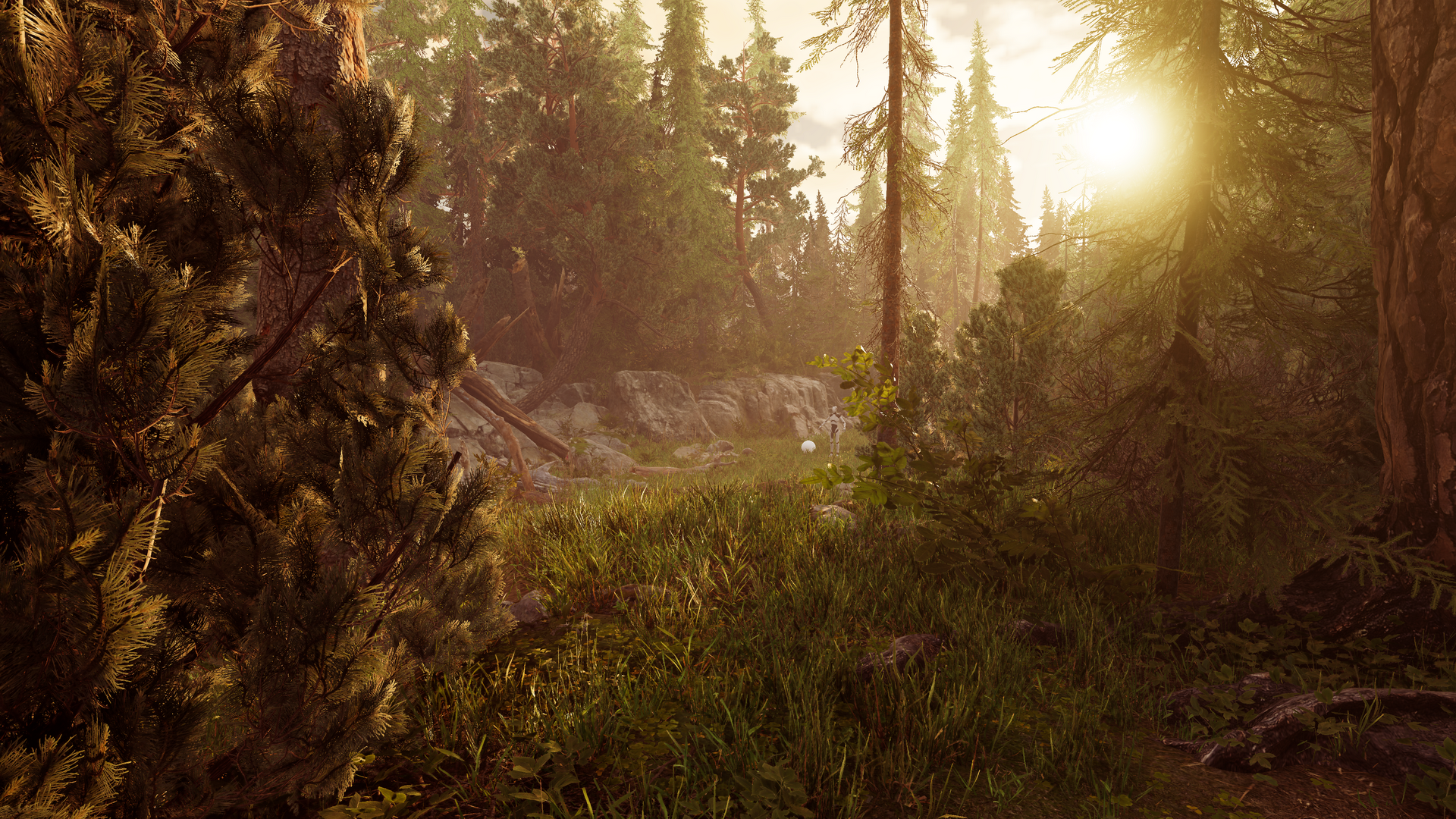
Lighting is one of the most beautiful fields in Computer Graphics. Defining the correct lighting setup in your 3D environment helps shape the mood, define form, guide the player’s eye, and transform a simple scene into a truly pleasant experience.
In this course, you will learn how lighting in Unity +6 works by exploring the tools available in both major render pipelines—HDRP and URP—using a combination of artistic principles and technical skills.
Unity comes from visible light sources like Directional, Point, Area, and Spot lights, which in Computer Graphics are called Direct Lights. These lights define the primary illumination, shadows, and highlights in your scene. In this course, you’ll learn how to configure each light type correctly in Unity to achieve clean, controlled, and physically consistent results.
Unity uses Global Illumination (GI) to simulate indirect lighting — the light that bounces off surfaces and fills your environment with natural softness. You’ll learn how to set up and optimize indirect lighting in both HDRP and URP, ensuring your scenes feel realistic, balanced, and visually coherent.
Unity’s HDRP supports Ray Tracing for accurate reflections, soft shadows, ambient occlusion, and global illumination. This course shows you how to enable Ray Tracing, configure its settings, and understand when it improves your lighting and when it becomes too expensive for real‑time use.